Chat privately with your friends on pikto.fun
Want to set up the next game with a friend, or just tell them their last drawing was great? You can now do it right inside the game.
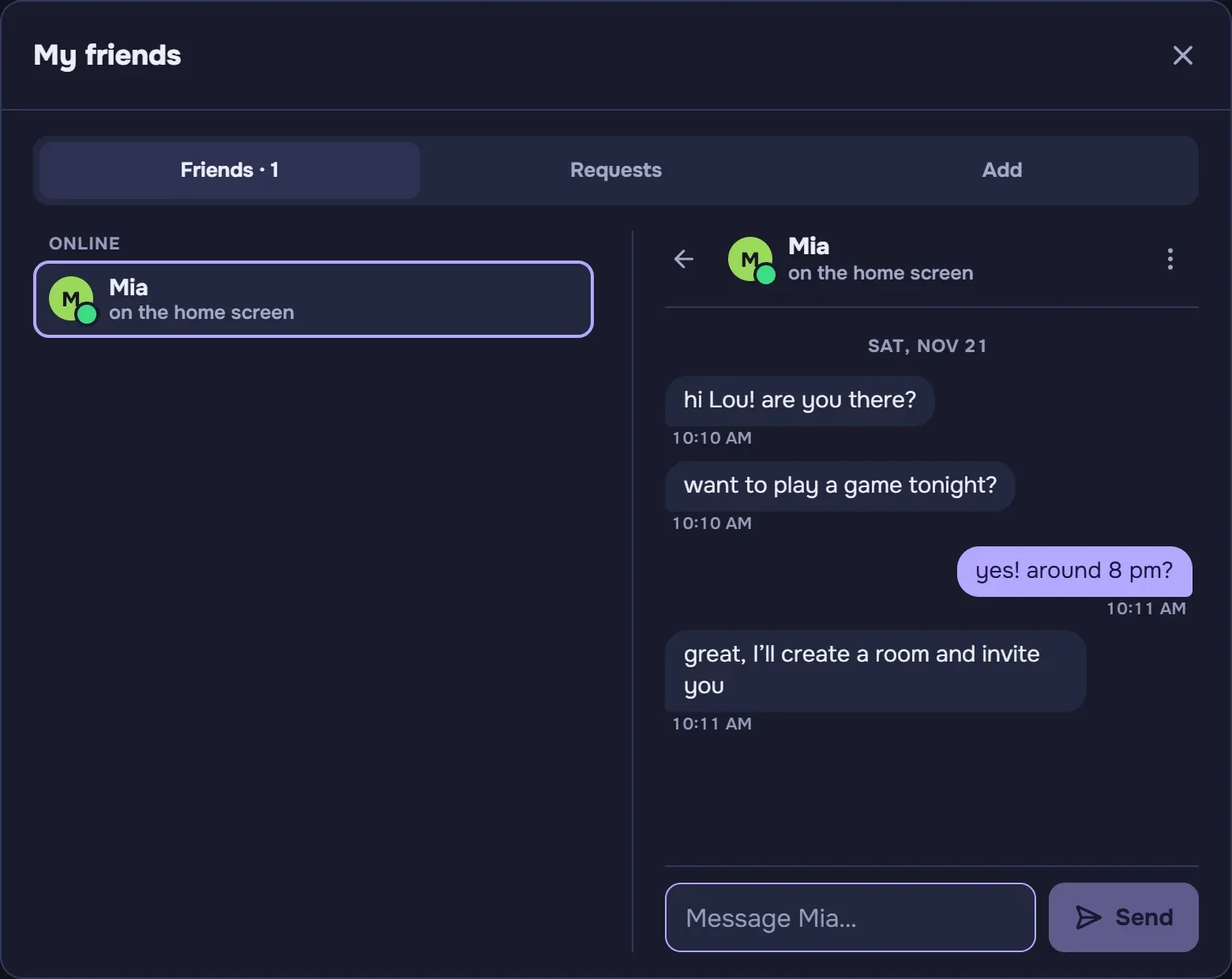
Message your friends
- Start a chat: tap "My friends" under the weekly ranking, pick a friend, then "Chat".
- No need to be in a game: you chat from the home screen, to meet up or plan your next game together.
- You never miss a message: a bubble on the "My friends" button counts unread messages. In the waiting room, the "Invite a friend" slot lets you know too.
- Messages are kept for 30 days, then they delete themselves.
- With an account: like the friends list, private chat is for players with an account, on pikto.fun and on CrazyGames.

The same rules as in games
- PiktoModo is watching: no insults, and no personal questions (age, address, social media, phone number). Such a message is refused: your friend never receives it.
- Report: if a message bothers you, the ⋮ menu of the chat lets you report it. PiktoModo then reviews the conversation.
- Removing a friend also closes your chat.
No more turns stuck on a blank sheet
The drawer now has 30 seconds to draw their first stroke (half the turn if the turn lasts less than a minute). If they draw nothing, the turn goes to the next player: no more long minutes staring at an empty sheet.
Fairer moderation
- A typo fixed right away is no longer taken for an insult.
- Requests for private contact (social media, phone number) are better spotted, and blocked before they are sent.
- Insults disguised to get past the filter are better recognised.
Also
Right after a game update, the page shows "Reconnecting…" and starts again by itself as soon as the server answers, instead of an error screen.
Got a friend to message? Start a game and open "My friends"!